 Koniplus
 / Sei
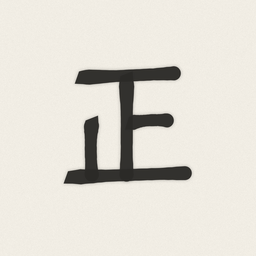
Sei
正 — a tally counter that keeps the time of every tap
In Japan, people count on paper with the character 正, five strokes for five. Sei lets you count in tally marks the same way.
It is ready to count the moment it opens, and every tap is saved with its time. There is no save button, no ads and no account.
Counting one counter is completely free. A one-time purchase lets you count up to 10 counters at once.
Screens
Features
Opens ready to count
Open the app and start counting. If you were counting a little while ago, you pick up where you left off. How long a break starts a new sheet is up to you in Settings (30 minutes at first).
Count without looking
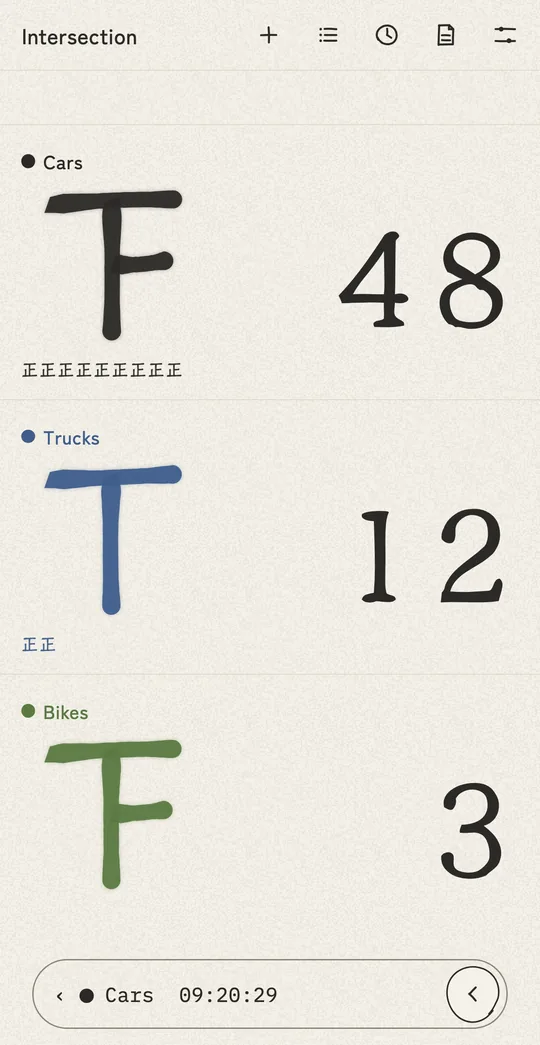
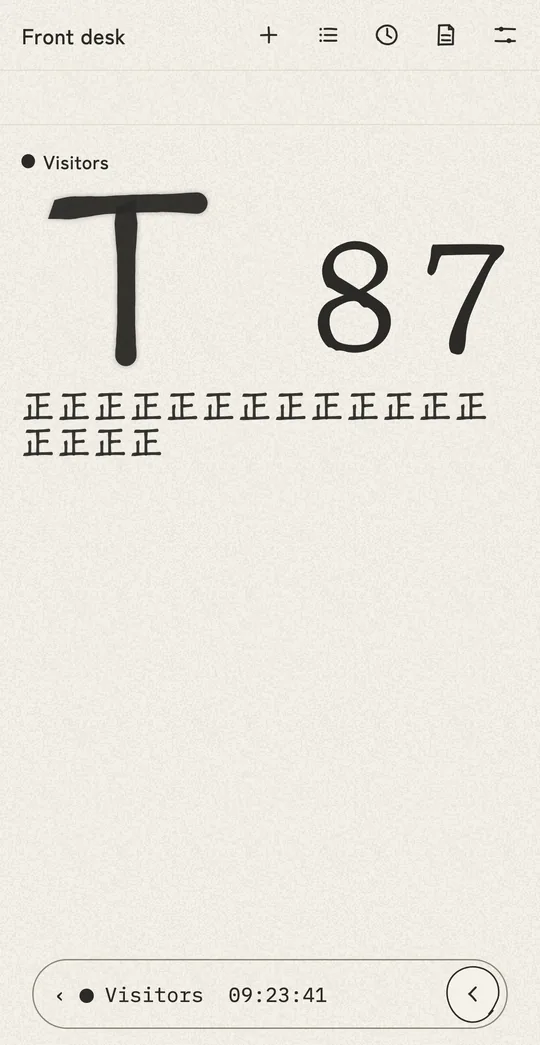
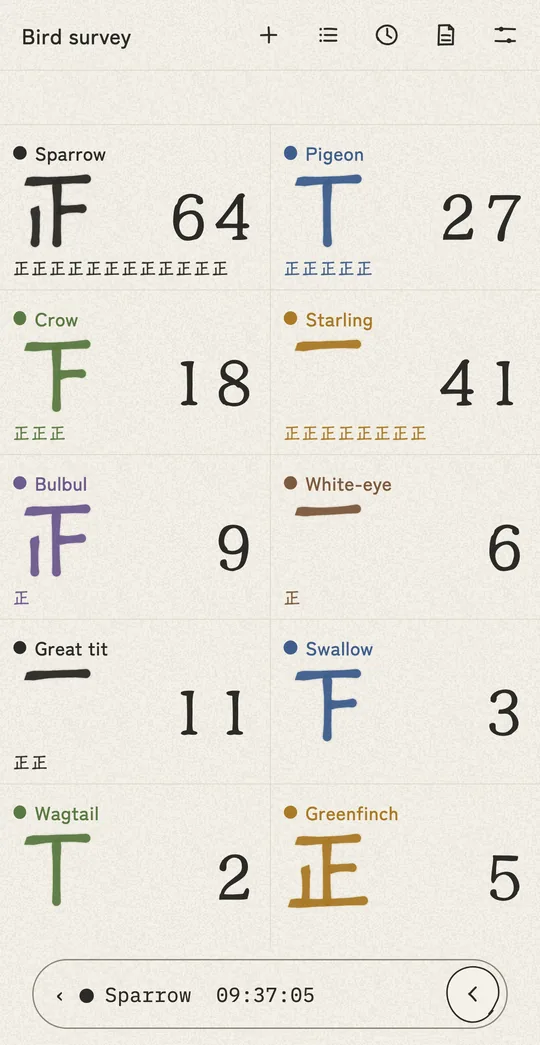
The counters are large, and each tap adds one stroke to the tally mark. A light vibration on each tap lets you keep your eyes on what you are counting. You can also turn on a short abacus-bead click in Settings.
Slide to undo
Made a mistake? Slide the bar at the bottom to undo, starting from the last tap. The bar shows the counter and the time of the last record, so you know what you are undoing.
The time of every tap
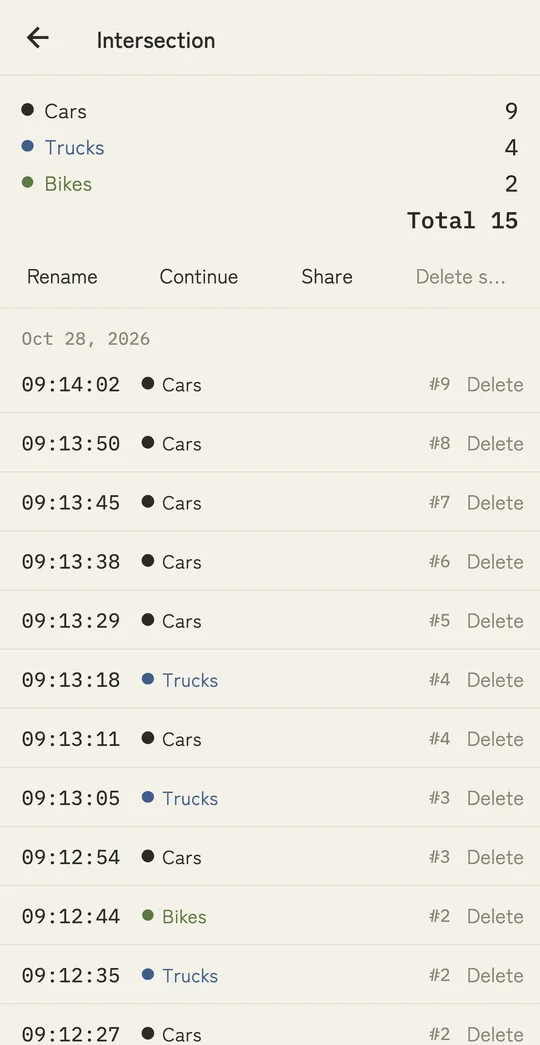
Open the sheet to see each tap with its time and counter. You can delete just the one you got wrong. Times use the 24-hour clock.
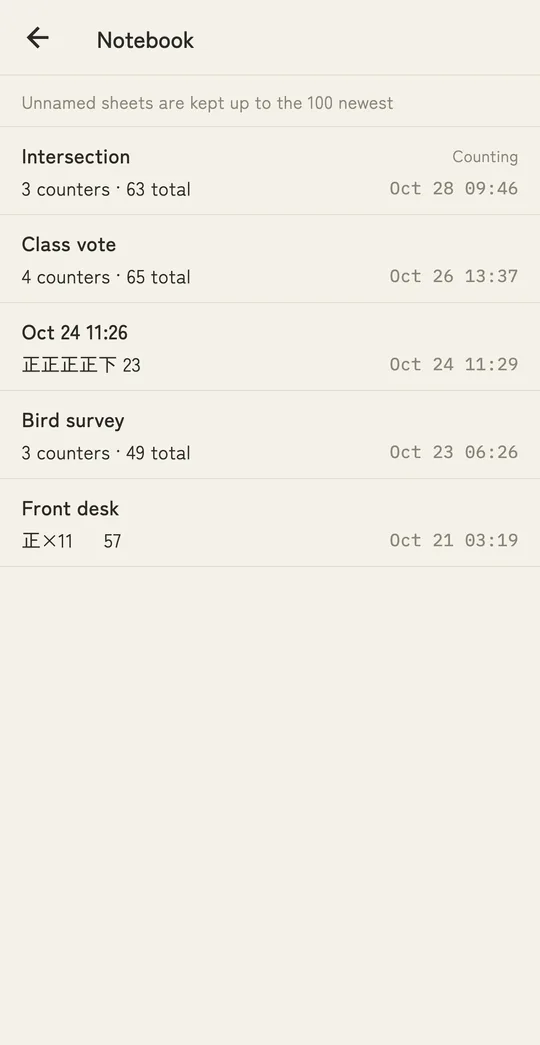
A notebook of sheets
Your sheets stay in the notebook. Named sheets are kept until you delete them, and unnamed sheets are kept up to the 100 newest. Open an earlier sheet to continue counting on it.
Share as text or CSV
Send a text summary or a CSV file of any sheet from your device's share menu. The CSV opens in spreadsheet apps.
Brush or pen
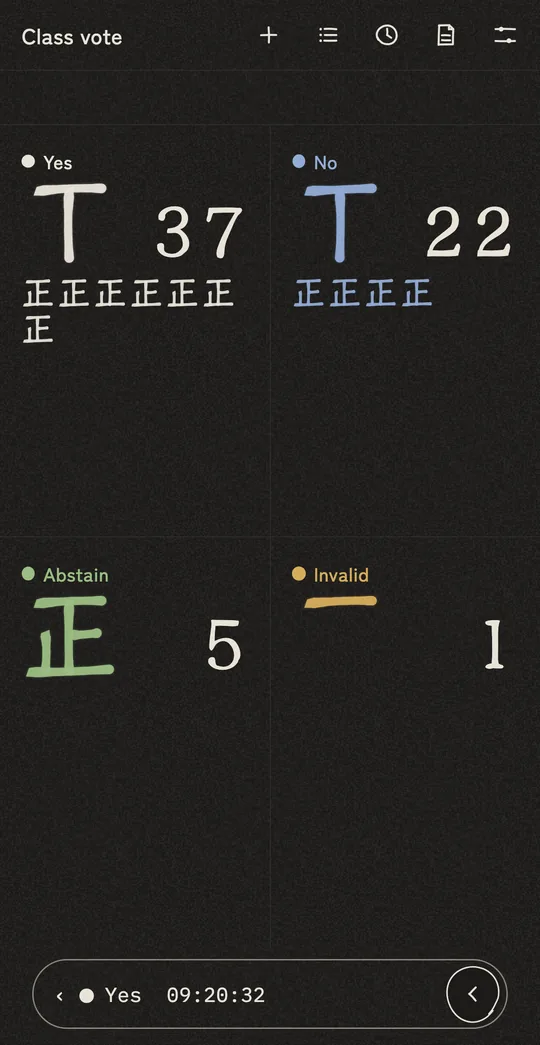
Tally marks can be drawn with bold brush strokes or thin pen lines. Off-white paper and ink, with a dark theme that follows your device settings.
Privacy
Your records are never sent to us
Everything you count is stored on your own device. There is no server and no account, and the developer never receives your records. If you have turned on your device's backup (iCloud or Google), your records may be included in that backup in your own account. The app does not connect to the internet, and it contains no ads and nothing that collects how you use it. Purchases are handled by the App Store / Google Play.
Deleting the app also deletes your records. To keep a sheet, save it as a CSV from the share menu.
Pricing
Pricing
Counting one counter is completely free, including timestamps, undo, the notebook and sharing.
To count several things at once, "More counters" (a one-time purchase) lets you count up to 10 counters.
After reinstalling or moving to a new device, use Settings → Restore purchase.
Requirements
Requirements
iPhone: iOS 15.0 or later
Android: 7.0 or later
Available on the App Store and Google Play (except mainland China, the United States and Brazil). The app is in English and Japanese and follows your device's language.
FAQ
I counted by mistake
Slide the bar at the bottom of the screen to undo, starting from the last tap. To delete just one earlier record, open the sheet with "Records" at the top and tap "Delete" on that row.
Can I move my records to a new device?
There is no feature for moving records. Depending on your settings, they may be included in your device's backup and come back on a new device, but this is not guaranteed. To keep a sheet, save it as a CSV from the share menu.
I started a new sheet, but the counters are still there
A new sheet starts with the counters of the current sheet (with the counts at zero). You can delete counters you don't need from "Counters" at the top.
Support
Contact
For bug reports and requests, please write to:
Sei is made and run by one person, so a reply may take a few days.